Only users added to the Research Coordinator role can edit the project. To edit your projects, first log into your profile and navigate to the “Projects” page.
1: Editing a Project
To edit a project, select the project you would like to edit from the “Projects” page.
Note: Completed and Canceled projects cannot be edited.

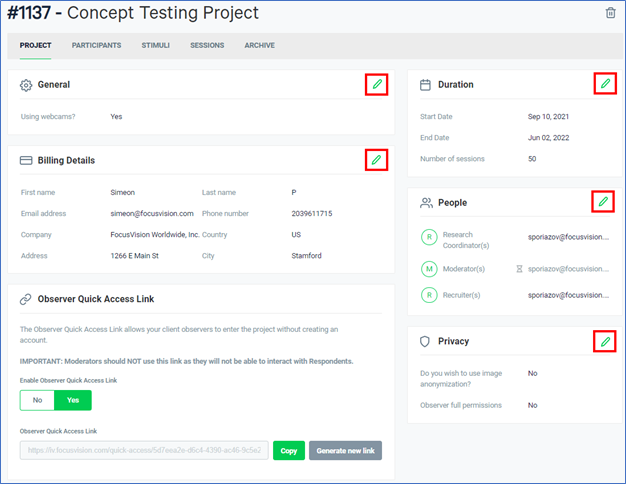
Then, hover over the section you would like to change and click the pencil icon that appears.
Once you are done, be sure to click the “Save” icon to save your changes.